You pay for a fast connection, but the back bedroom buffers, the garage office drops out and the upstairs study crawls. Sound familiar? Dead spots are one of the most common things we get called out for, and the cause is almost always the same: one router being asked to do a job it was never designed to do.
Why a single router leaves dead spots
The modem-router your provider sends you is usually parked wherever the NBN line enters the house, often a hallway cupboard or a corner of the garage. From there it broadcasts in every direction, and Wi-Fi simply does not travel well through certain things.
The big signal killers in Sydney homes are:
- Double-brick and rendered masonry walls, which soak up Wi-Fi.
- Distance, since signal weakens fast the further you get from the router.
- Floors and ceilings in two-storey and split-level homes.
- Interference from neighbours, especially in apartments and townhouses.
A single router in the wrong spot can only ever cover so much. Pushing it harder does not help; the laws of physics do not negotiate. The fix is not a stronger router, it is better placement and more access points.
What mesh Wi-Fi actually does
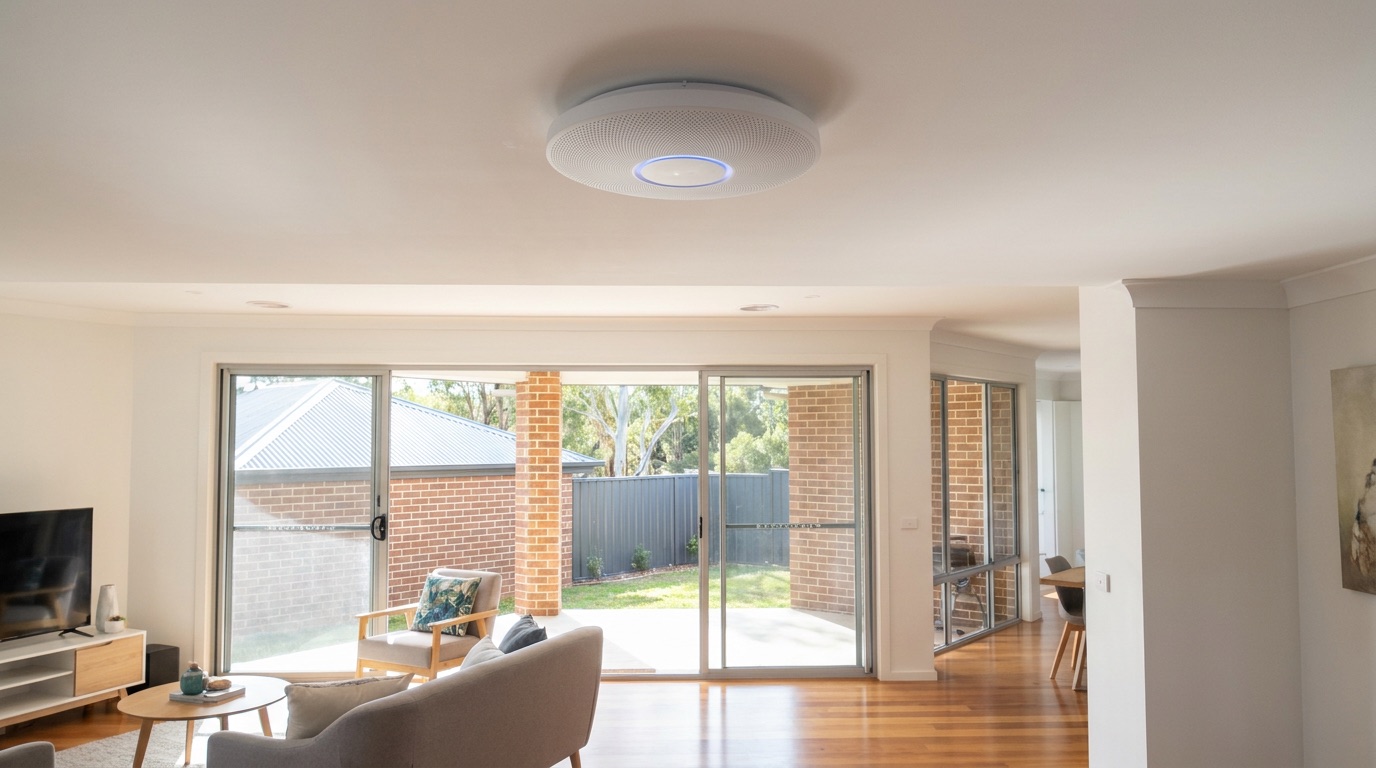
Mesh Wi-Fi replaces one overworked router with several units, or nodes, spread through the home. They share one network name, so your phone and laptop move between them seamlessly as you walk around. No more switching networks, no more dead zones between rooms.
Good mesh, set up properly, means full-strength signal in the back bedroom, a stable connection in the garage and no drop-out on the stairs. The key words there are “set up properly.” Nodes placed too far apart, or relying purely on wireless backhaul through thick walls, can still leave gaps. Placement is everything, and it is where a professional eye pays for itself.
If your home has been fighting weak signal for years, a proper home network & WiFi design will map your floor plan, find the trouble spots and put nodes where they will actually work.
Why cabling makes mesh bulletproof
Here is the part most people miss. Mesh nodes can talk to each other wirelessly, but that link is competing for the same airwaves as your devices. In a large or double-brick home, that wireless “backhaul” is often the weak link.
The fix is to connect the nodes back to the main router with an Ethernet cable wherever possible. This is called wired backhaul, and it transforms performance. Each node gets a fast, dedicated link, so it spends all its capacity serving your devices instead of relaying traffic. For larger homes, running data cable to two or three key spots is the single biggest upgrade you can make. It is the difference between mesh that is “better” and mesh that is genuinely solid.
Renters vs owners: different rules, same result
If you own the home, you have the most options. We can run discreet data cabling through walls and ceilings, place an access point in the exact right spot and give you wired backhaul throughout. This is the gold-standard fix and it lasts for years.
If you rent, you usually cannot run cables through walls without the owner’s permission, and that is fine. A well-placed wireless mesh system, positioned carefully and tuned to your layout, can still clear up most dead spots without a single hole drilled. Where a tidy surface-run cable is allowed, we will use it; where it is not, we work within what you have. The goal is the same either way: reliable signal in every room you actually use.
A quick self-check before you call
Before booking a visit, it is worth a few minutes of testing:
- Run a speed test standing right next to the router, then again in the dead spot. A big drop points to a coverage problem rather than a slow plan.
- Note which rooms struggle and at what times of day.
- Count your devices. Modern homes can run 30 or more at once, and cheap gear strains under that load.
That information helps us recommend the right number of nodes and where the cabling should go, instead of guessing.
Fix it once and stop thinking about it
Patching dead spots with cheap range extenders usually creates new headaches rather than solving the real one. A properly designed mesh network, backed by cabling where it counts, fixes the problem at the source so you can forget it is there.
If you are tired of the back room buffering, Birch Tech can design and install a whole-home system that suits your house, whether you own or rent. For a free, no-obligation quote, call us on 1300 287 256 and we will get every room covered.